Skip to product information
1 of 7
Fast Shipping
Fast Shipping Ships within 24–48 hours
Easy Returns
Easy Returns 30-day hassle-free return
Secure Payment
Secure Payment 100% protected checkout
Customer Support
Customer Support We are here to help

4G MiFi Portable Power Bank Wi-Fi

4G MiFi Portable Power Bank Wi-Fi

Key Features:

  • Global 4G Connectivity: Supports most international bands for seamless travel.
  • High-Speed LTE: Up to 150Mbps download and 50Mbps upload speeds.
  • Adaptive RJ45 Port: Flexible 100Mbps WAN/LAN port for wired or wireless use.
  • 2-in-1 Power Bank: Built-in 5200mAh battery to charge your mobile devices.
  • Compact & Portable: Ultra-small design for high-speed data on the go.
Size
Regular price $89.99 USD
Regular price Sale price $89.99 USD
Sale Sold out
Shipping calculated at checkout.
Quantity
  • American Express
  • Apple Pay
  • Bancontact
  • Google Pay
  • Mastercard
  • PayPal
  • Shop Pay
  • Union Pay
  • Visa
View full details

Karbor MF68 Router

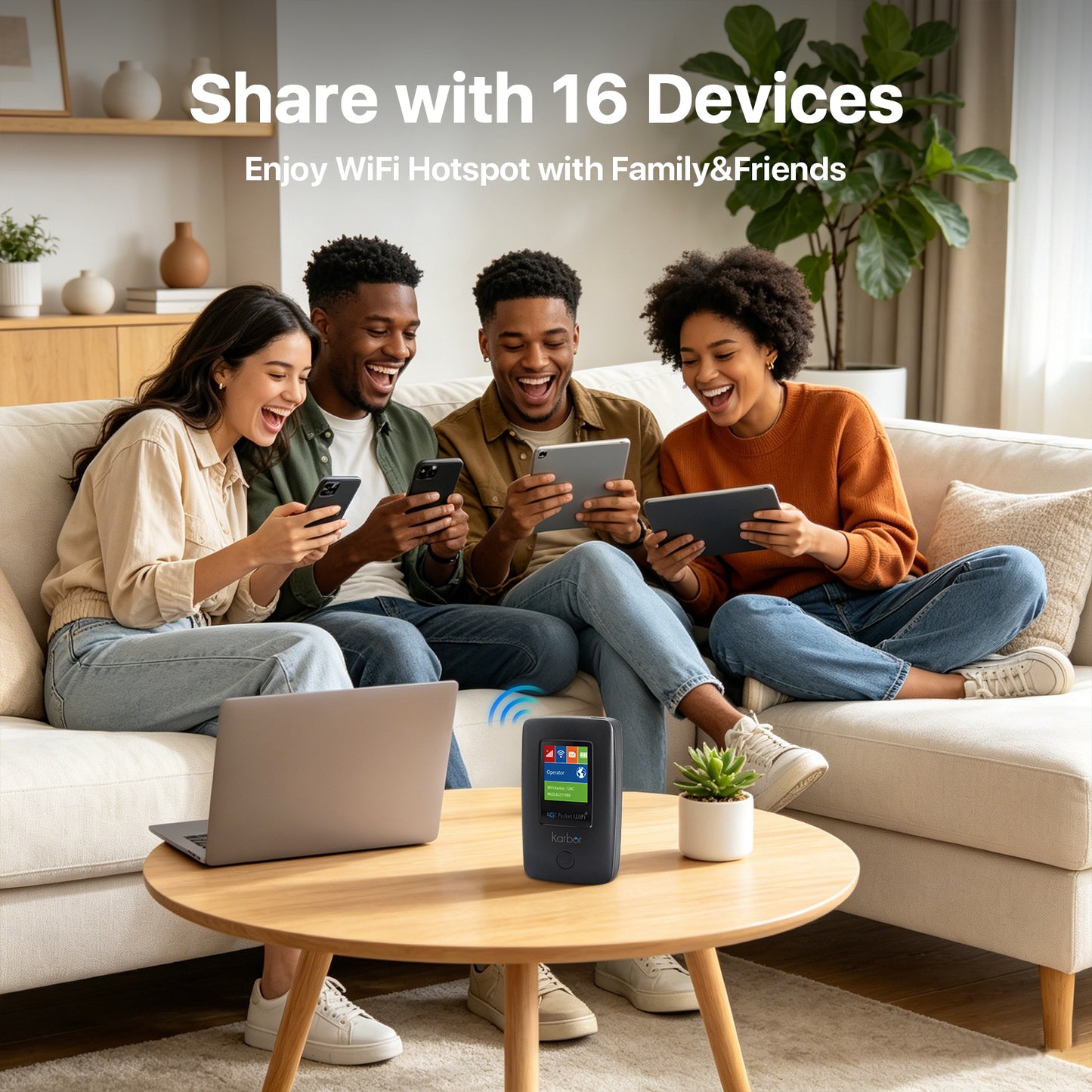
The Karbor MF68 is a high-speed portable router that converts LTE (4G) signals into a personal Wi-Fi hotspot for multiple devices. Its compact, pocket-sized design makes it the ideal travel companion for wireless data on the go

MF511-5G Portable WiFi

Karbor MF68

  • Ultimate Travel Companion:Stay connected in any country with universal 2G/3G/4G band compatibility.
  • Blazing Fast Internet:Experience seamless streaming and gaming with LTE Cat4 speeds up to 150Mbps.
  • Flexible Networking: Easily switch between a personal Wi-Fi hotspot and a stable wired connection via the RJ45 port.
  • Emergency Power Backup: Never run out of juice thanks to the built-in 5200mAh battery that charges your phone on the go..

Fast & Reliable

More Than Just Speed

🚀

Support 2G/3G/4G

Supports most of the
world's frequency
bands

📡

Cat4 LTE Release 9

Download 150Mbps
Upload 50Mbps

🔋

6000mAh

Lithium battery

👥

RJ45 Port

1*WAN/LAN
100Mbps auto
adaptive port

Technical Specs

Model No:
MF68 4g lte wifi router
Support  network:

4G LTE: B1/2/3/5/7/8/28(20)/38/40/41 or B2/4/5/7/28(20)/66/38/40/41 optional

WCDMA: Band 1/2/3/4/5/8 optional

GSM: B2/3/5/8 optional

Chipset:

Wireless chipset: ZX297520V3
WiFi chipset: AIC8800dw

LTE CAT4:
150Mbps DL, 50Mbps UL
WiFi:
WIFI6 2.4GHz, 802.11b/g/n/ax
MIMO:
WIFI MIMO 11 ; LTE MIMO 22
Battery:
Li-on 6000mAh Power Bank
USB Port:
Type-C / USB 2.0
WiFi Max Client:
Up to 10 connected users
SIM Slot:
Nano SIM card (4FF)
Support:
TR069/Fota/SMS/USSD/Phonebook/DDNS/DMZ/Port Forwarding/Port Mapping
4 LED indicators:
WiFi indicator, Network indicator, Battery Indicator, SMS indicator
Size:
100*60*23mm
Cloud SIM

International Business Trip

Global business, uninterrupted. Skip costly roaming and public Wi-Fi. Karbor MF68 provides private, high-speed 4G internet for all your video calls, emails, and file transfers abroad. Stay connected, close deals worldwide

Portable Design

Home Entertainment & Leisure

Unleash wireless freedom for the whole family! From streaming movies to online learning or even outdoor camping, Karbor MF68 delivers stable, high-speed Wi-Fi. Your mobile home hotspot for endless fun, anywhere

Multi Device

Outdoor Adventure & Camping

Explore the wild, stay connected! In the mountains, by the lake, or at the campsite, Karbor MF68 keeps you online. Enjoy stable 4G Wi-Fi to capture and share every adventure.

Battery Life

Remote Work & Study

Break free, work & learn productively! Whether at a cafe, library, or temporary office, Karbor MF68 provides a private, secure, high-speed network. Its flexible RJ45 port even connects to desktops, ensuring productivity anywhere, anytime.

Let's Answer Your Questions

Why does the device says "No Service" even bought a data plan?

Please allow ​​10-30 minutes​​ for the system to activate your data plan after purchase. Your connection will update automatically.

How do I get 1GB global data free?

1. Download “Karbor WiFi" APP, create account, add device to your App account

2. Click User > Device Manage > Claim, enter your order id, including dashes and no spaces

Where do i find the WiFi password? How do i change the WiFi password?

Following locations:

​​1. On the LCD screen​​ after turn it on 2. ​​Inside the back cover​​ (remove cover)

Change WiFi password:

Download App→Create acocunt→Add device→Back to Home→Click WiFi Settings(Note:New password must be at least 8 characters)

How do I buy a data plan?

Way 1: Download App→Create acocunt→Add device→Click Shop→Buy Data Plans

Way 2: Find the code on device back cover → Scan it with phone's nature camera→Buy Data Plans

Note: Payment can be made via credit card or PAYPAL only.

How do I connect to WiFi Network? (Please Note: Internet access requires an active data plan.

Way 1: ​​Remove device back cover→Find the code inside→Scan it with phone's nature camera→Enter Password→Connect

Way 2: Download App→Create acocunt→ Add device→Connect WiFi

Way 3: Settings→WiFi →Select Hotspot WiFi Name→Enter Password→Connect