


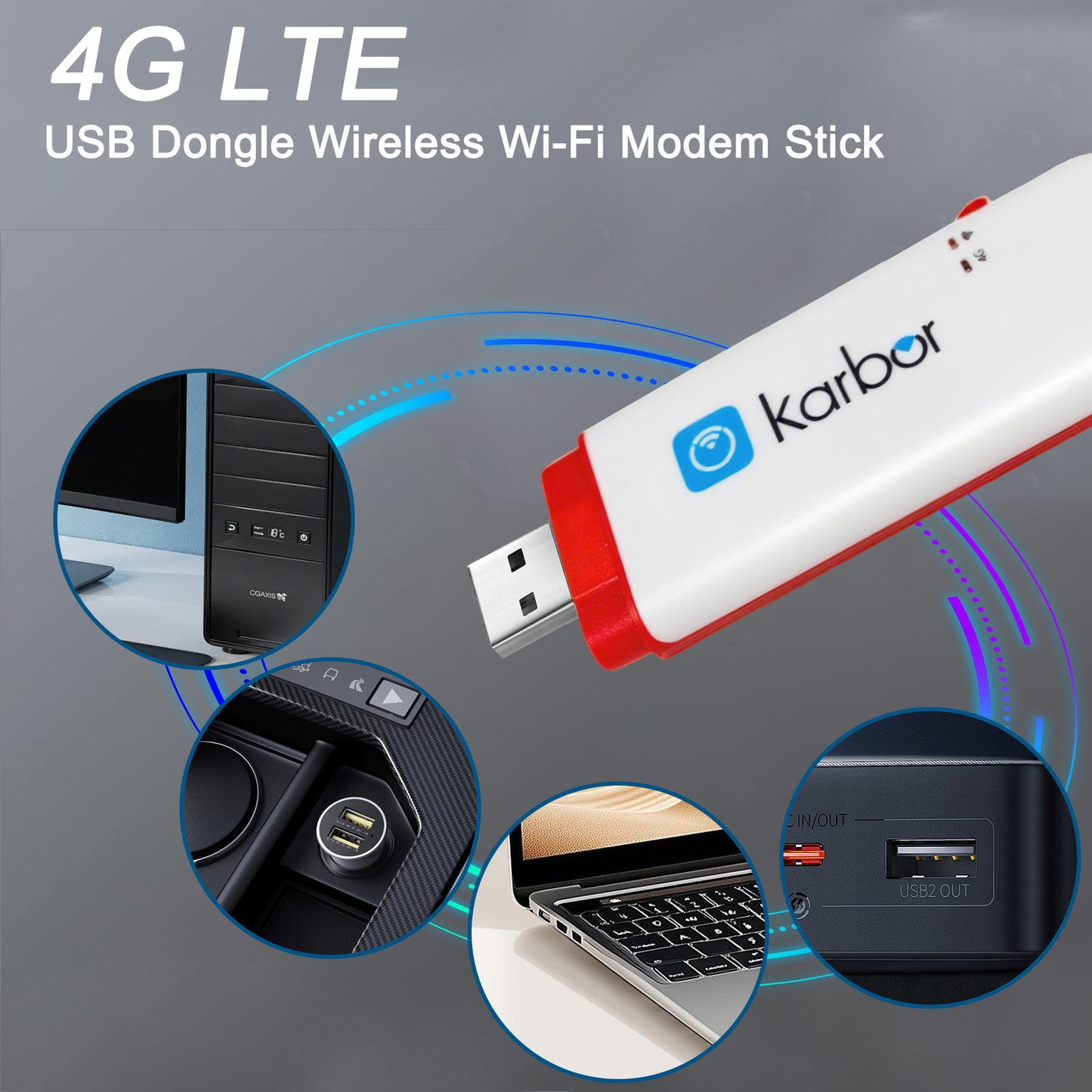
What is Karbor D926?
Karbor D926 is a 4G CAT4 LTE router with SIM card slot. Simply insert a SIM card and enjoy fast, stable wireless internet for home, business, or remote areas.
Support 4G/3G network
4G LTE: B1/2/3/5/7/8/28(20)/38/40/41 or B2/4/5/7/28(20)/66/38/40/41/71 optional
WCDMA: B1/2/3/4/5/8 optional
Chipset
ZX297520V3(Wireless Chipset)
AIC8800DW (WiFi chipset)
LTE CAT4
150Mbps DL, 50Mbps UL
WiFi
2.4G 1x1 MIMO 5G 1x1 MIMO
MIMO
WiFi MIMO 1*1, LTE MIMO 2*2
USB Port
Micro USB 2.0 High Speed
WiFi Max Client Number
Up to 10 connected users
SIM Slot
2FF SIM-Kartensteckplatz
Support
TR069/FOTA/SMS/USSD/Phonebook/DDNS/DMZ/Port Forwarding/Port Mapping.
2 LED indicators:
WiFi indicator, Network indicator
Size
103.5x33x10mm
Ultra High Network Speed
Supports 4G LTE download speeds up to 150Mbps and upload speeds up to 50Mbps, delivering smooth and stable performance.
Strong WiFi with Wide Coverage
Powerful wireless signal with external antennas ensures reliable connectivity for homes, offices, and remote locations.


Let's Answer Your Questions
Why does the device says "No Service" even bought a data plan?
Please allow 10-30 minutes for the system to activate your data plan after purchase. Your connection will update automatically.
How do I get 1GB global data free?
1. Download “Karbor WiFi" APP, create account, add device to your App account
2. Click User > Device Manage > Claim, enter your order id, including dashes and no spaces
Where do i find the WiFi password? How do i change the WiFi password?
Following locations:
1. On the LCD screen after turn it on 2. Inside the back cover (remove cover)
Change WiFi password:
Download App→Create acocunt→Add device→Back to Home→Click WiFi Settings(Note:New password must be at least 8 characters)
How do I buy a data plan?
Way 1: Download App→Create acocunt→Add device→Click Shop→Buy Data Plans
Way 2: Find the code on device back cover → Scan it with phone's nature camera→Buy Data Plans
Note: Payment can be made via credit card or PAYPAL only.
How do I connect to WiFi Network? (Please Note: Internet access requires an active data plan.
Way 1: Remove device back cover→Find the code inside→Scan it with phone's nature camera→Enter Password→Connect
Way 2: Download App→Create acocunt→ Add device→Connect WiFi
Way 3: Settings→WiFi →Select Hotspot WiFi Name→Enter Password→Connect